Spectra (formerly known as Ultimate Addons for Gutenberg) is a WordPress-focused design toolkit enhanced with AI capabilities. Developed by Brainstorm Force, Spectra extends the Gutenberg editor with advanced blocks, templates, and now AI-assisted content and layout generation.
Unlike standalone AI builders, Spectra integrates directly into WordPress, making it particularly useful for users who want AI-assisted design without leaving the WordPress ecosystem.
Pricing Snapshot (2026)
| Plan Type | Price Range | Key Access Level |
|---|---|---|
| Free Version | $0 | Core blocks and basic features |
| Spectra Pro | ~$49–$99/year | Advanced blocks, templates, AI features |
| Bundle Plans | $199+/year | Includes additional tools (e.g., Astra Pro) |
Pricing may vary depending on bundles and licensing tiers.
Key Features
1. AI Website Builder Integration

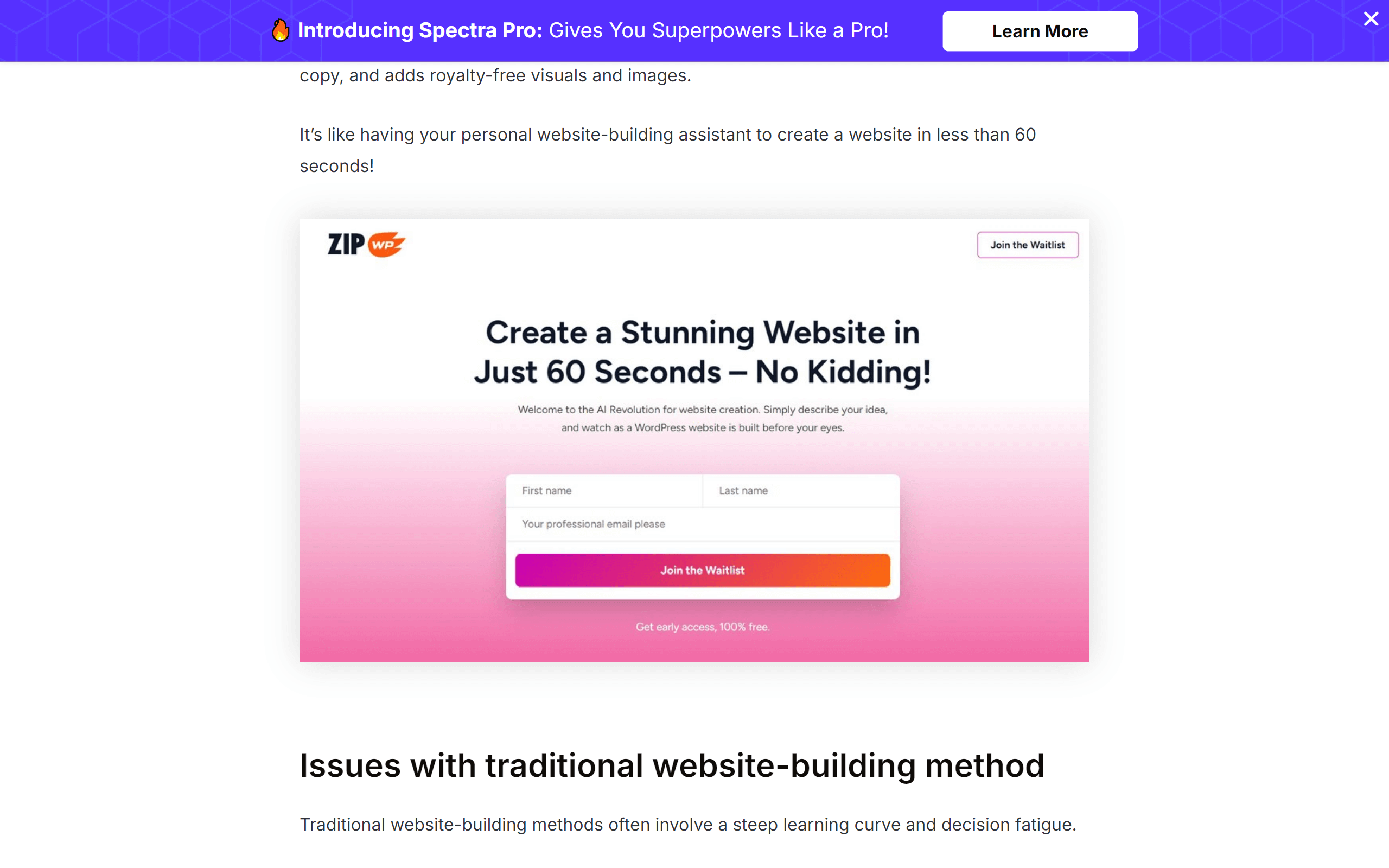
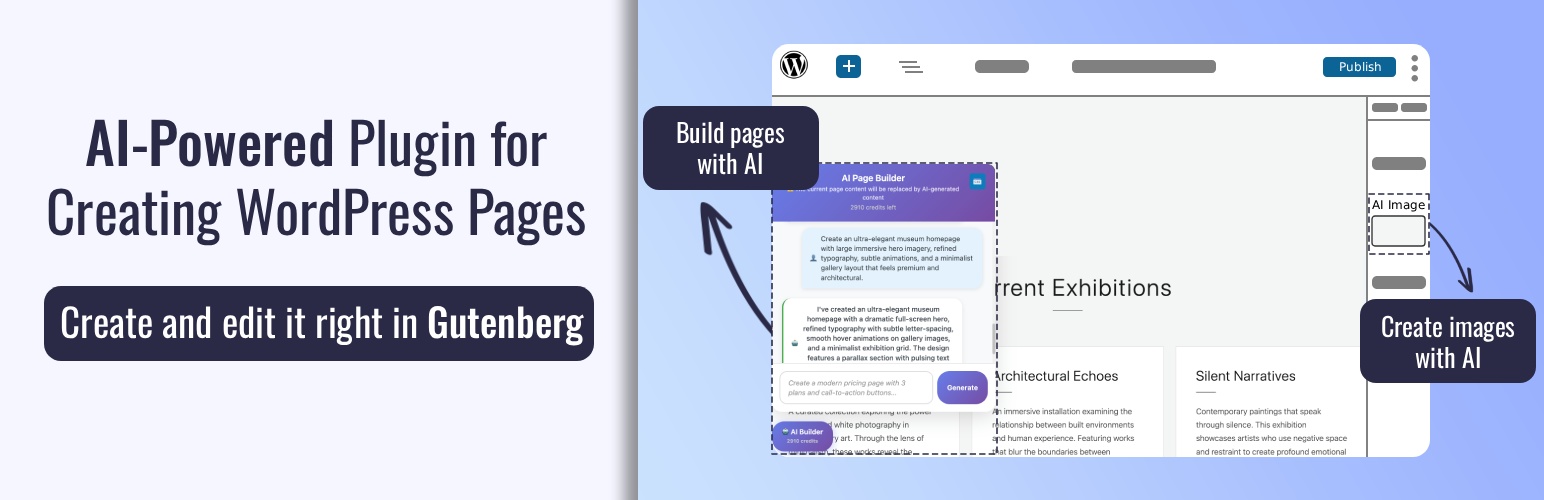
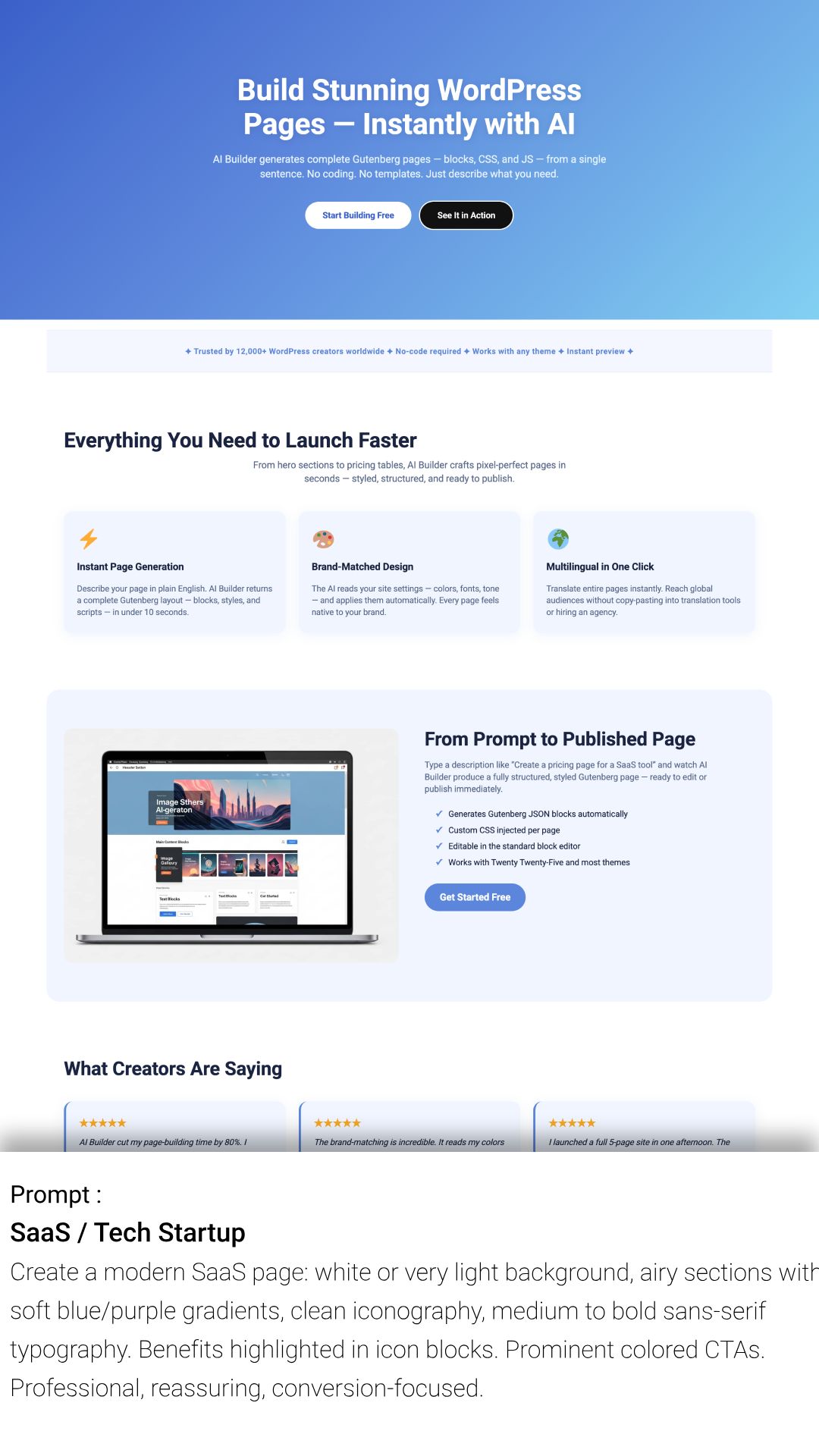
- AI-assisted layout generation inside Gutenberg
- Pre-built starter templates powered by automation
- Quick site creation without coding
2. Advanced Gutenberg Blocks


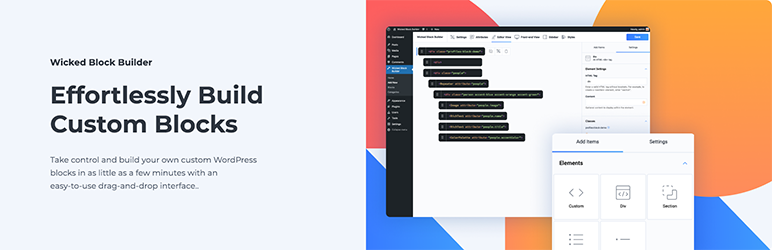
- Extends default WordPress block editor
- Includes containers, grids, forms, and marketing elements
- Improves design flexibility without page builders
3. AI Content Assistance


- Generate headings, text, and sections
- Useful for landing pages and blog content
- Reduces reliance on external AI writing tools
4. Performance-Optimized Design
- Lightweight compared to traditional page builders
- Clean code output aligned with WordPress standards
- Faster loading times and better Core Web Vitals
5. Template & Pattern Library
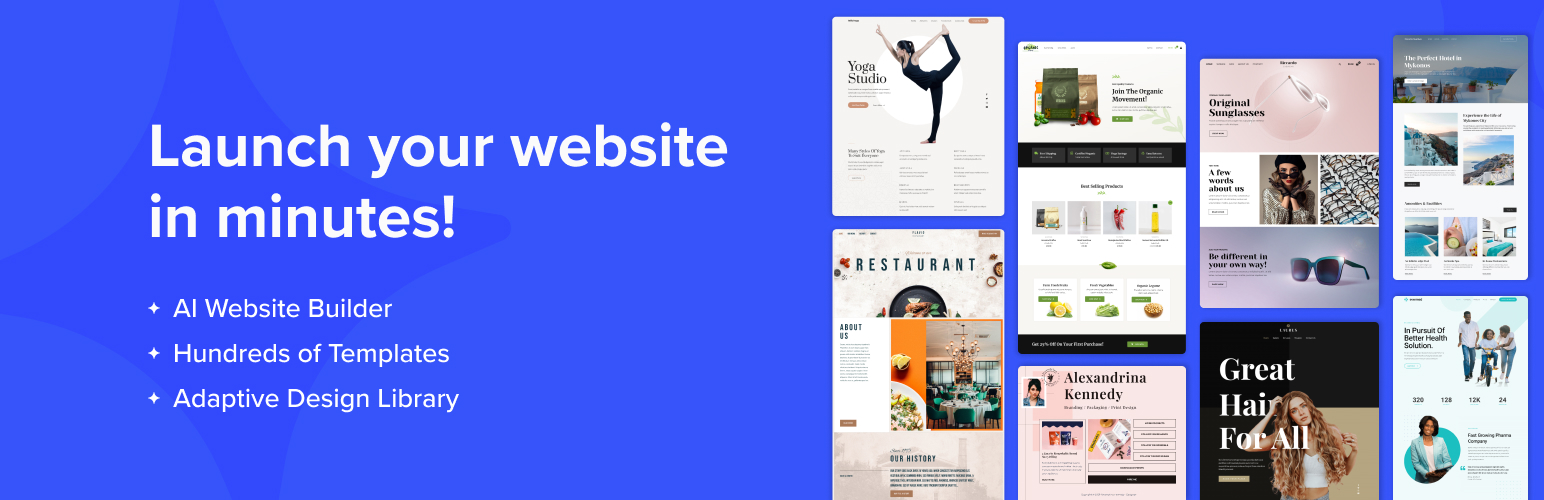


- Ready-made templates and wireframes
- Import full websites or individual sections
- Speeds up design workflows
Use Cases
WordPress Users
- Enhance Gutenberg without switching builders
- Build modern layouts using blocks
Bloggers & Content Creators
- Generate AI-assisted blog content
- Design posts visually without coding
Small Businesses
- Launch websites quickly with templates
- Maintain control within WordPress
Agencies & Freelancers
- Build client sites efficiently
- Reuse templates and workflows
Pros and Cons
Pros
- Seamless integration with WordPress
- Lightweight and performance-focused
- Strong block-based design system
- Affordable compared to premium builders
- AI features enhance productivity
Cons
- Limited compared to full AI website builders
- Requires WordPress knowledge
- AI features are not as advanced as standalone tools
- Fewer third-party integrations than larger ecosystems
Feature Comparison
| Feature | Spectra AI | Elementor AI | Wix ADI |
|---|---|---|---|
| Platform | WordPress | WordPress | Hosted |
| AI Integration | Medium | High | High |
| Ease of Use | Medium | Medium | High |
| Performance | High | Medium | High |
| Customization | High | Very High | Medium |
Alternatives
| Tool | Category | Best For |
|---|---|---|
| Elementor | Page Builder + AI | Advanced visual design |
| Divi | Visual Builder | All-in-one design system |
| Wix ADI | AI Builder | Fully automated websites |
Verdict
Spectra AI tool is best suited for users who want to enhance WordPress with AI-powered design capabilities while maintaining performance and flexibility.
It stands out for:
- Lightweight architecture
- Native Gutenberg integration
- Cost-effective pricing
However, it is not a full replacement for advanced AI builders or visual page builders. Instead, it serves as a hybrid solution—combining block-based design with practical AI enhancements.
Overall Rating (2026)
| Category | Rating (Out of 5) |
|---|---|
| Ease of Use | 4.2 |
| Feature Set | 4.1 |
| AI Capabilities | 3.9 |
| Performance | 4.6 |
| Value for Money | 4.5 |
| Overall Score | 4.3 / 5 |
FAQ
What is Spectra AI tool?
Spectra is a WordPress plugin that enhances the Gutenberg editor with advanced blocks, templates, and AI-assisted design features.
Is Spectra free?
Yes, there is a free version, but advanced features and AI tools are available in Spectra Pro.
Does Spectra replace Elementor?
No, Spectra is lighter and block-based, while Elementor offers more advanced visual design features.
Is Spectra good for SEO?
Yes, its lightweight structure helps improve performance and Core Web Vitals, which benefits SEO.
Who should use Spectra?
It is ideal for WordPress users, bloggers, freelancers, and agencies looking for a fast and efficient design workflow.