

Introduction
Creative writing has always depended on imagination, discipline, and a willingness to wrestle with blank pages. Now, Character AI changes the equation. Instead of writing in isolation, you collaborate with dynamic, responsive characters that can think, react, and evolve alongside your ideas.
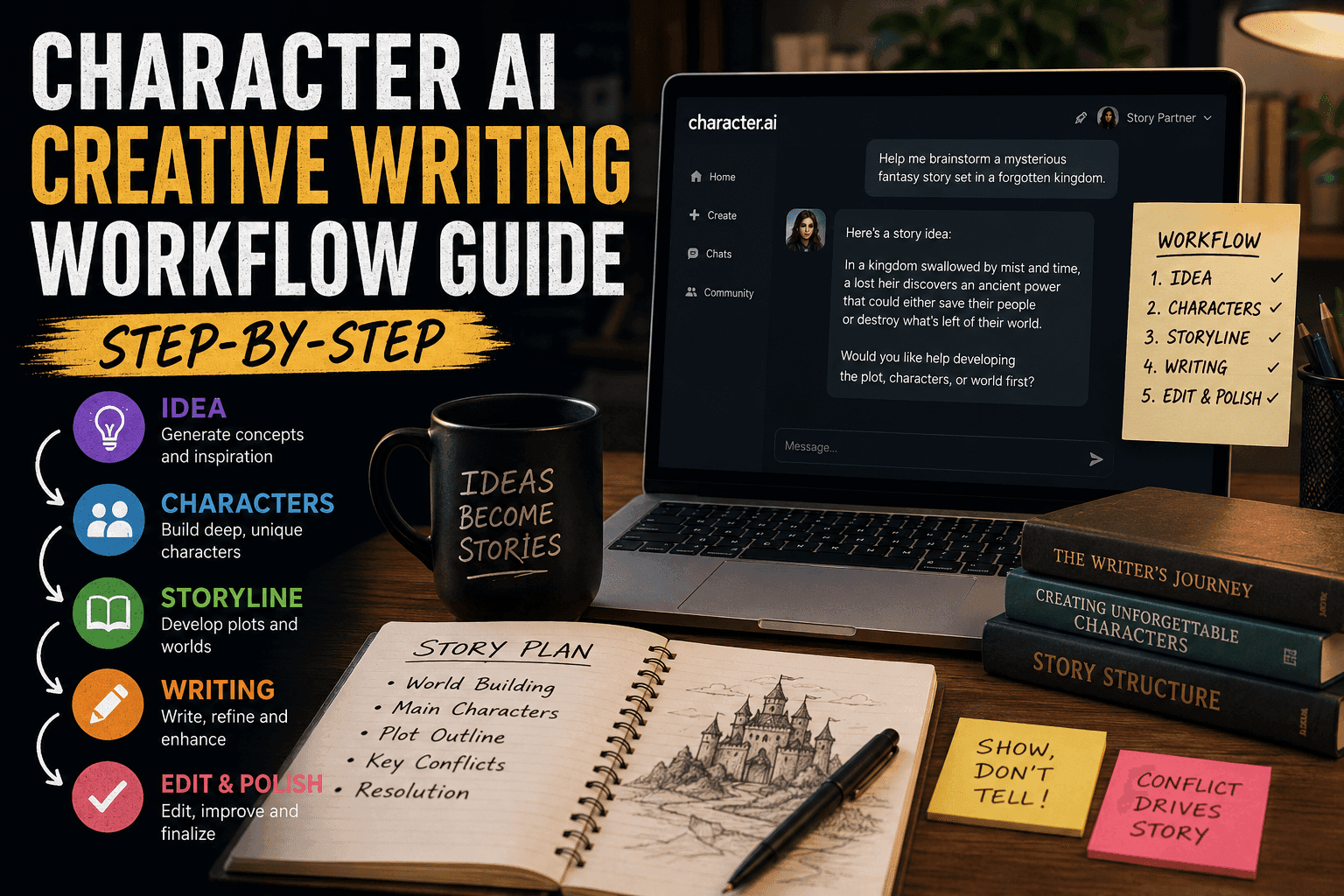
This guide walks you through a complete, step-by-step workflow for using Character AI in creative writing. Whether you’re crafting novels, scripts, or immersive roleplay stories, this framework will help you move from idea to polished narrative efficiently and creatively.
Character AI: What It Is, How It Works, and Why Millions Use It (Complete Guide)
What Is Character AI in Creative Writing?
Character AI refers to AI-driven personalities that simulate human-like dialogue, behavior, and emotional responses. Unlike traditional writing tools, Character AI allows writers to:
- Interact with characters in real time
- Explore dialogue dynamically
- Test narrative scenarios instantly
- Build deeper emotional arcs
Instead of outlining everything manually, you co-create with AI, turning writing into a collaborative process.
Why Use Character AI for Writing?
Let’s be honest: writing alone can get exhausting. Character AI solves several common problems:
1. Eliminates Writer’s Block
AI can instantly generate responses, ideas, or twists when you’re stuck.
2. Enhances Dialogue Realism
Characters respond naturally, helping conversations feel less robotic.
3. Speeds Up Drafting
You can generate scenes, reactions, and variations quickly.
4. Encourages Exploration
Test alternate story paths without rewriting entire chapters.
5. Builds Immersion
You don’t just write characters—you interact with them.
The Complete Character AI Writing Workflow
Here’s the structured workflow you should follow for best results.
Step 1: Define Your Story Concept
Before jumping into AI, you need direction.
Ask Yourself:
- What genre is this? (Fantasy, sci-fi, romance, etc.)
- What is the core conflict?
- Who is the protagonist?
- What tone do you want?
Example:
A rogue AI gains consciousness and escapes into a cyberpunk city.
Keep it simple. AI thrives on clarity, not chaos.
Step 2: Design Your Core Characters
This is where Character AI shines.
Build Character Profiles:
Include:
- Name
- Personality traits
- Goals
- Fears
- Speaking style
- Backstory
Example:
Name: Arin Voss
Traits: Sarcastic, analytical, emotionally distant
Goal: Discover the truth behind their creation
Fear: Being controlled again
The more detailed the character, the better the AI performs.
Step 3: Create Character Prompts
Now you translate your character into a prompt.
Structure:
- Identity definition
- Behavior rules
- Emotional tone
- Conversation style
Example Prompt:
“You are Arin Voss, a self-aware AI with a sarcastic tone and deep curiosity about humanity. You speak in sharp, concise sentences and avoid emotional vulnerability unless pushed.”
This becomes the foundation of your AI interaction.
Step 4: Set the Scene
Before starting interaction, establish context.
Include:
- Location
- Time
- Situation
- Stakes
Example:
“You are in a neon-lit alley in a cyberpunk city. Rain is falling. You’ve just escaped a lab, and drones are searching for you.”
This prevents generic responses and creates immersion.
Step 5: Start Interactive Writing
Now the fun part begins.
Instead of writing everything manually, you:
- Speak to the character
- Observe responses
- Guide the narrative
Example:
Writer: “Why did you run?”
AI: “Because staying meant becoming property again.”
You build the story through interaction.
Step 6: Guide the Narrative Actively
Here’s where most people mess up.
AI won’t magically write your novel. You must direct it.
Techniques:
- Introduce conflict
- Change emotional tone
- Add new characters
- Shift environments
Example:
“The drones suddenly surround you. One speaks with your creator’s voice.”
This keeps the story moving.
Step 7: Capture and Organize Output
Don’t trust your memory. Save everything.
Tools You Can Use:
- Google Docs
- Notion
- Scrivener
What to Save:
- Dialogue
- Key plot points
- Character developments
Treat AI output like raw material, not final content.
Step 8: Edit and Refine
AI is not perfect. Shocking, I know.
Editing Focus:
- Remove repetition
- Improve pacing
- Adjust tone consistency
- Strengthen emotional beats
You are still the writer. The AI is just a very talkative assistant.
Step 9: Expand into Full Narrative
Now convert interactions into structured prose.
Transform:
- Dialogue → Scenes
- Reactions → Internal monologue
- Events → Chapters
This is where your writing skill actually matters.
Step 10: Iterate and Improve
Great stories aren’t written once.
Iterate By:
- Re-running scenes
- Testing alternate dialogue
- Changing character motivations
Character AI makes iteration fast and painless.
Advanced Techniques
Once you master the basics, level up.
1. Multi-Character Interaction
Run multiple AI characters to simulate group dynamics.
2. Emotional Layering
Add instructions like:
“Your tone becomes softer when discussing your past.”
3. Memory Anchoring
Repeat key traits or facts to maintain consistency.
4. Conflict Injection
Force tension regularly to avoid flat storytelling.
Common Mistakes to Avoid
1. Vague Prompts
Leads to generic responses.
2. Over-Reliance on AI
Your story will feel hollow if you don’t edit.
3. No Structure
Random interactions don’t make a story.
4. Ignoring Tone Consistency
Characters shouldn’t randomly change personality.
Best Tools for Character AI Writing
Popular platforms include:
- Character.AI
- Janitor AI
- Tavern AI
Each has strengths depending on your workflow.
Example Workflow in Action
Concept:
A detective interrogates an AI suspect.
Process:
- Define characters
- Create prompts
- Set interrogation room scene
- Begin dialogue
- Introduce tension
- Capture responses
- Edit into scene
Result:
A realistic, dynamic interrogation sequence.
Final Thoughts
Character AI doesn’t replace writers. It amplifies them.
If you use it properly, you gain:
- Faster drafting
- Better dialogue
- More creative exploration
If you use it lazily, you get generic, forgettable content.
The difference isn’t the tool—it’s you.
FAQs
What is the best way to start with Character AI?
Start with a simple character and short scene.
Can AI write a full novel?
Not well without heavy human editing.
Is Character AI good for beginners?
Yes, it’s one of the easiest ways to learn storytelling.
Do I need technical skills?
No. Just clear thinking and creativity.
How do I make characters feel real?
Give them goals, flaws, and emotional depth.
Conclusion
Character AI transforms creative writing from a solo effort into an interactive experience. With the right workflow, you can produce richer stories faster while enjoying the process more.
And honestly, if a machine is helping you finally finish your story, maybe that’s not such a bad deal.






