

Introduction
Brainstorming used to mean staring at a blank page, hoping your brain would suddenly cooperate. Sometimes it did. Most times it didn’t. Now you’ve got Character AI, which means your ideas don’t have to come from a single overworked brain anymore.
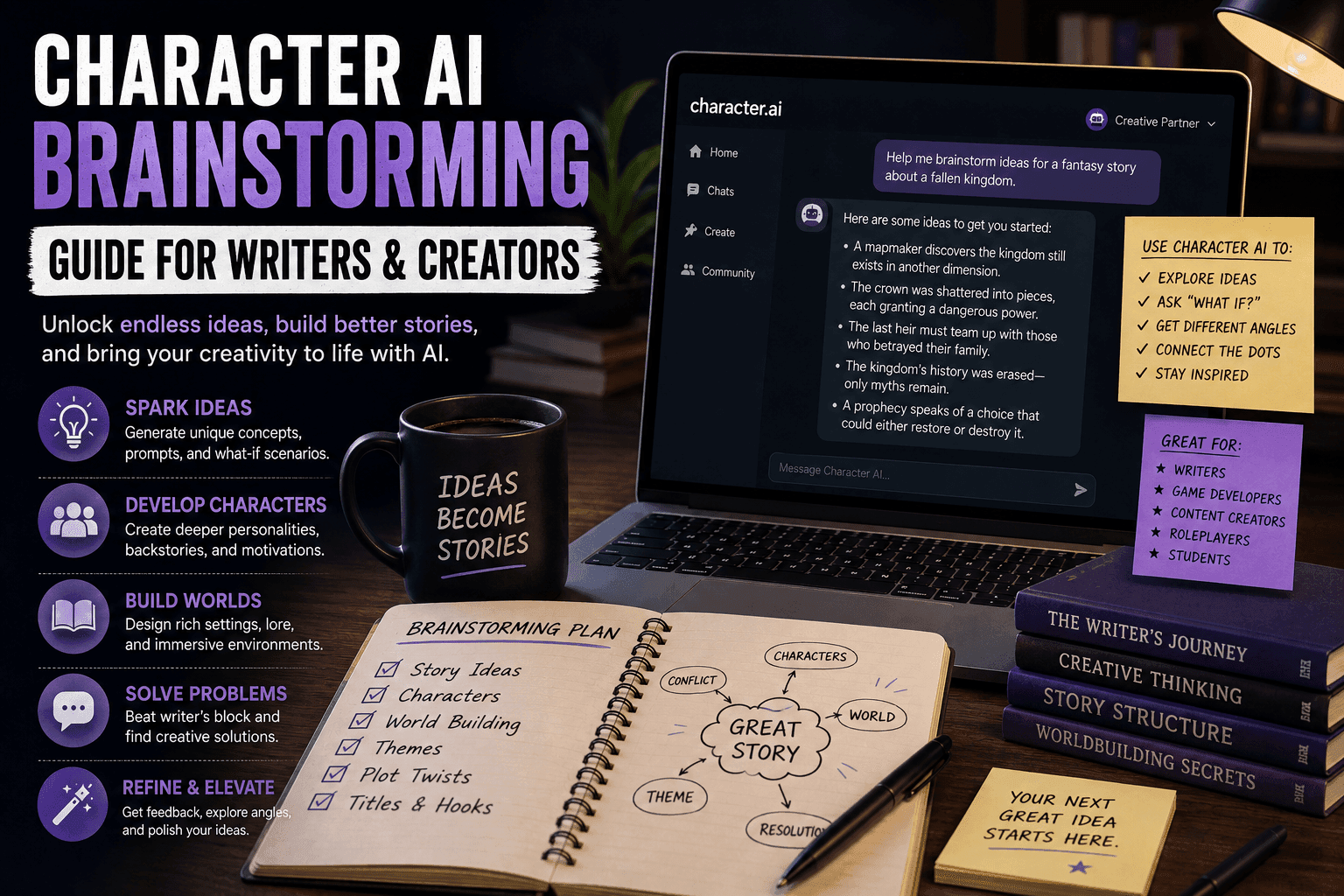
This guide breaks down how to use Character AI specifically for brainstorming. Not vague “AI helps creativity” fluff, but an actual system you can follow to generate story ideas, characters, plots, and entire creative directions consistently.
If you’re a writer, content creator, or someone trying to build stories that don’t feel recycled, this is your playbook.
Character AI: What It Is, How It Works, and Why Millions Use It (Complete Guide)
What Is Character AI Brainstorming?
Character AI brainstorming is the process of using AI-driven personalities to generate ideas through interaction rather than static prompts.
Instead of asking:
“Give me 10 story ideas.”
You do this:
- Talk to a character
- Explore scenarios
- Push conversations
- Extract ideas naturally
It feels less like querying a tool and more like thinking out loud with someone who never runs out of energy.
Why Character AI Is Powerful for Brainstorming
1. It Simulates Perspective
Different characters think differently. That alone multiplies your idea pool.
2. It Keeps Momentum Going
You don’t get stuck staring at nothing. There’s always a response.
3. It Sparks Unexpected Ideas
AI often connects ideas you wouldn’t think of.
4. It Makes Brainstorming Interactive
Which is significantly more engaging than bullet lists and silence.
The Step-by-Step Brainstorming Workflow
Step 1: Define Your Creative Goal
Before touching AI, decide what you actually want.
Examples:
- Story idea
- Character concept
- Plot twist
- Worldbuilding elements
- Dialogue inspiration
Weak Goal:
“Give me ideas.”
Strong Goal:
“I want a dark fantasy story about betrayal and power.”
Clarity = better output.
Step 2: Choose the Right AI Character
This is where things get interesting.
Instead of using a neutral assistant, pick or create a character with a perspective.
Examples:
- A cynical detective
- A futuristic AI
- A medieval historian
- A villain mastermind
Each one generates different types of ideas.
Step 3: Build a Brainstorming Prompt
You need to guide the interaction.
Structure:
- Who the AI is
- What you want
- Tone/style
Example:
“You are a dark fantasy storyteller who specializes in tragic heroes and morally complex worlds. Help me brainstorm a story involving betrayal and power.”
This prevents generic responses.
Step 4: Start Conversational Brainstorming
Now you interact instead of command.
Example:
You: “What kind of protagonist fits this story?”
AI: “Someone who once believed in justice but now serves corruption.”
You build ideas layer by layer.
Step 5: Expand Ideas Iteratively
Don’t accept the first idea. Push it.
Techniques:
- Ask “what if” questions
- Add constraints
- Introduce conflict
Example:
“What if the protagonist betrayed someone they loved?”
Now the idea becomes more specific and emotional.
Step 6: Branch Multiple Directions
This is where Character AI beats traditional brainstorming.
You can explore multiple paths quickly:
- Alternate endings
- Different character arcs
- Multiple settings
You’re not locked into one idea.
Step 7: Capture Everything
Yes, everything. Even the weird ideas.
Why?
Because bad ideas often evolve into great ones.
Store:
- Concepts
- Dialogue snippets
- Plot twists
Use tools like Notion or Google Docs.
Step 8: Filter and Refine
Now you switch from creative mode to editor mode.
Ask:
- Is this original?
- Does it fit my goal?
- Can it be expanded?
Cut the weak ideas. Strengthen the good ones.
Step 9: Combine Ideas Into Concepts
Take fragments and merge them.
Example:
- Idea 1: Betrayed knight
- Idea 2: Magic that erases memory
Combined:
A knight betrayed by their kingdom uses forbidden magic that slowly erases their identity.
Now you have something usable.
Step 10: Turn Brainstorming Into Structure
Convert ideas into:
- Story outlines
- Character sheets
- Scene plans
This is where brainstorming becomes actual writing.
Advanced Brainstorming Techniques
1. Roleplay Brainstorming
Act as a character inside the world and interact directly.
2. Conflict Injection
Force tension into ideas to make them stronger.
3. Perspective Switching
Use multiple AI characters for different viewpoints.
4. Constraint-Based Brainstorming
Limit ideas intentionally to increase creativity.
Common Mistakes to Avoid
1. Asking Generic Questions
Leads to boring answers.
2. Not Guiding the AI
You’re still in control. Act like it.
3. Accepting First Ideas
Push deeper.
4. Not Saving Ideas
You will forget them. Guaranteed.
Example Brainstorming Session
Goal:
Create a sci-fi story idea
Process:
- Choose AI: Futuristic AI strategist
- Prompt: Focus on survival and ethics
- Start conversation
- Introduce conflict
- Expand idea
Result:
A stranded crew must decide which memories to delete to survive limited storage in a dying AI system.
That’s a story worth writing.
Best Tools for Character AI Brainstorming
- Character.AI
- Janitor AI
- Tavern AI
Each offers different levels of control and creativity.
Final Thoughts
Character AI doesn’t replace creativity. It multiplies it.
If you treat it like a lazy shortcut, you’ll get predictable ideas.
If you treat it like a creative partner, you’ll get depth, variety, and momentum.
The difference comes down to how you use it.
FAQs
What is Character AI brainstorming?
It’s using AI characters to generate ideas through conversation.
Is it better than traditional brainstorming?
It’s faster and more interactive, but still needs human direction.
Can beginners use this?
Yes, it’s one of the easiest ways to start creating ideas.
Do I need multiple characters?
Not required, but it improves idea diversity.
How do I get better results?
Use specific prompts and guide the conversation actively.
Conclusion
Character AI brainstorming turns idea generation into a dynamic, interactive process. With the right workflow, you can consistently generate unique, engaging concepts without burning out.
And honestly, if a machine helps you think better, that’s not a weakness. That’s just efficiency catching up with creativity.







