
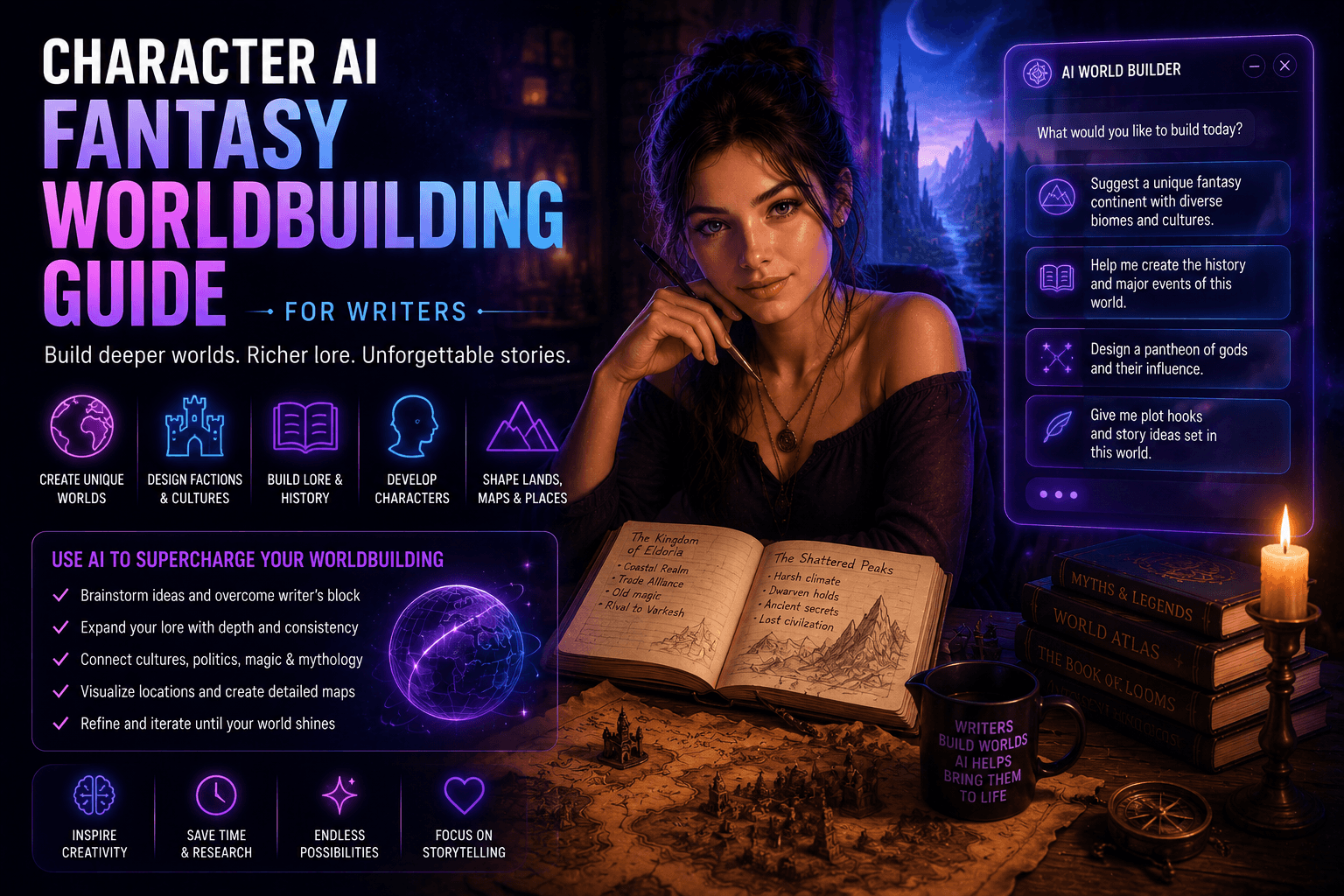

Worldbuilding is the backbone of fantasy writing—and also the part that quietly eats your sanity.
You need:
- History
- Cultures
- Magic systems
- Politics
- Languages (if you’re feeling ambitious or slightly unwell)
Character AI changes the game. Instead of building everything manually, you can generate ideas, simulate characters, and expand your world faster—without losing creative control.
What Is Character AI for Worldbuilding?
Character AI allows writers to create and interact with fictional characters as if they were real.
In worldbuilding, this means you can:
- Interview your own characters
- Generate cultures and societies
- Test dialogue and tone
- Expand lore organically
It turns worldbuilding from a static process into a dynamic one.
Why Writers Should Use Character AI
Let’s be honest—most worldbuilding projects die in a folder somewhere.
Character AI helps you avoid that tragic fate.
Key Benefits
1. Faster Idea Generation
No more staring at a blank page while questioning your life choices.
2. Deeper Characters
Characters feel more real when they respond unpredictably.
3. Organic World Expansion
Instead of forcing lore, you discover it through interaction.
4. Reduced Creative Burnout
You don’t have to carry the entire universe in your head at all times.
Core Worldbuilding Areas Enhanced by AI
1. Cultures and Societies
Prompt AI to create:
- Social hierarchies
- Traditions
- Religious beliefs
- Conflicts
Example Prompt:
“Create a desert civilization that worships storms and fears silence.”
2. Magic Systems
Design consistent and interesting systems.
Prompt:
“Create a magic system where power comes from memories, with clear limitations.”
3. Political Systems
Generate kingdoms, factions, and power struggles.
4. Geography and World Lore
Expand your world with:
- Cities
- Regions
- Myths
- Historical events
Using Character AI to Build Characters
1. Character Interviews
Talk to your characters directly.
Ask them:
- What they want
- What they fear
- What they’re hiding
2. Personality Consistency
Define tone and traits clearly.
Example:
“You are a proud warrior queen who values honor above all else but secretly fears failure.”
3. Dialogue Testing
Run conversations between characters before writing scenes.
Prompt Engineering for Writers
Bad prompts = bland worlds. It’s not mysterious.
Structure
- Role
- Setting
- Conflict
- Tone
Example:
“You are a scholar in a crumbling empire where magic is dying. Speak with urgency and frustration.”
Tips
- Be specific
- Add constraints
- Include emotional context
Practical Workflow for Writers
Step 1: Define Core Concept
Start with a simple idea.
Step 2: Expand with AI
Generate cultures, factions, and history.
Step 3: Create Key Characters
Use AI to develop main figures.
Step 4: Test Interactions
Run dialogue and scenarios.
Step 5: Refine Manually
Edit and shape everything into your voice.
Common Mistakes to Avoid
1. Letting AI Control the Story
You’re the writer, not the assistant.
2. Inconsistent Lore
AI forgets things. You shouldn’t.
3. Overbuilding
Not every rock needs a backstory.
4. Generic Outputs
Fix weak prompts instead of blaming the tool.
Advanced Techniques
Multi-Character Simulation
Run entire conversations between factions.
Memory Feeding
Provide past events to maintain continuity.
Style Training
Guide AI to match your writing tone.
Example Use Case
Scenario: Building a dark fantasy kingdom
With AI:
- Generate ruling family
- Create internal conflict
- Design cultural beliefs
- Test dialogue
Result: A believable, layered setting in a fraction of the time.
Final Thoughts
Character AI won’t replace your creativity—but it will challenge it, expand it, and occasionally save you from creative collapse.
Use it wisely, and your worlds will feel alive.
Use it poorly, and you’ll end up with a generic fantasy setting that feels like it was assembled by a bored algorithm.







