

Introduction
Most AI-generated conversations have one major problem: they don’t feel real.
The dialogue might be grammatically correct. The responses might make sense. But something feels off. Too clean. Too polite. Too predictable.
That’s because realism in character interaction isn’t about perfect sentences. It’s about imperfect, emotional, reactive behavior.
Character AI can absolutely produce realistic interactions — but only if you stop treating it like a question-answer machine and start using it like a dynamic character system.
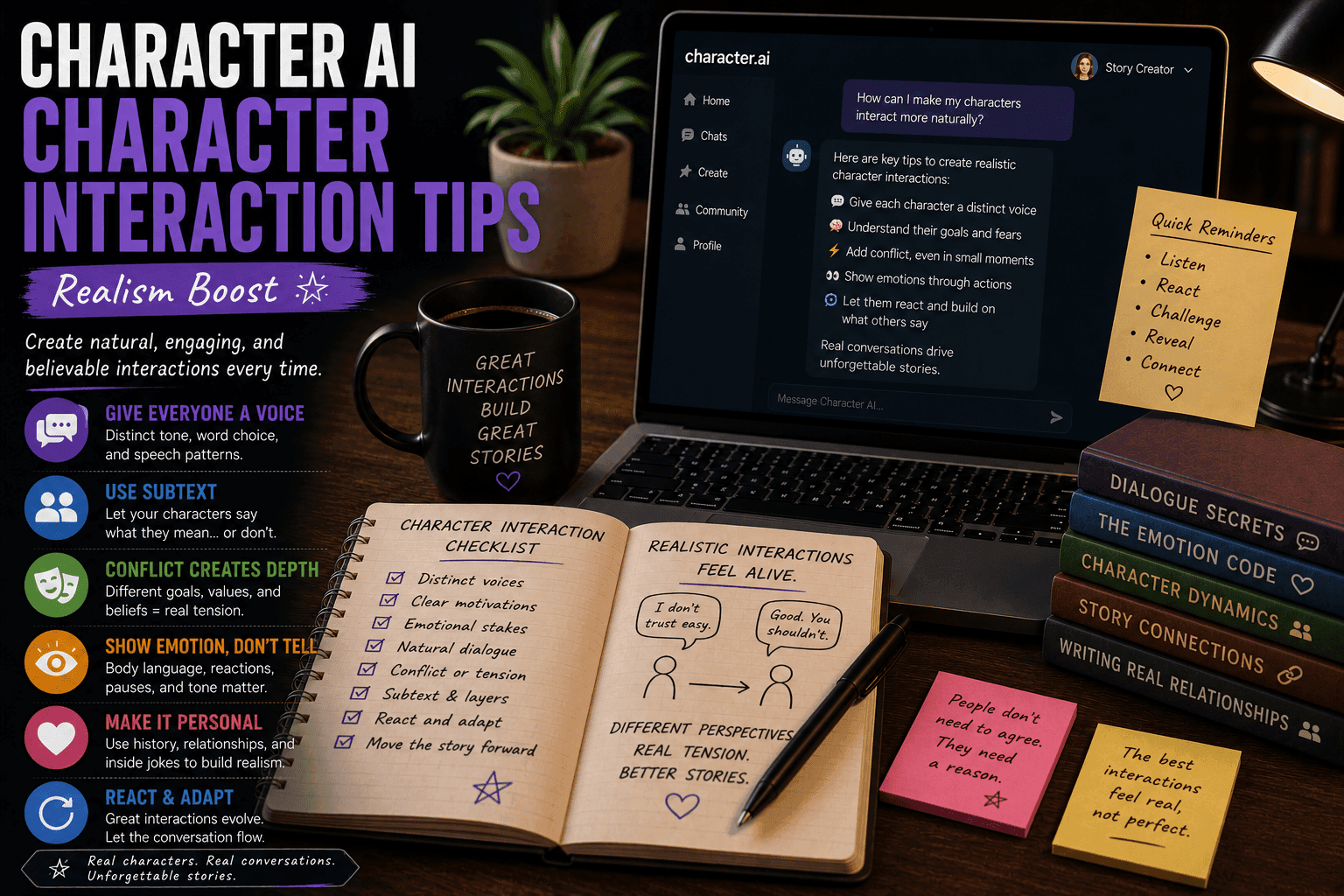
This guide shows you exactly how to boost realism in Character AI interactions so your dialogue feels natural, engaging, and believable.
Character AI: What It Is, How It Works, and Why Millions Use It (Complete Guide)
What Makes Character Interaction Feel Real?
Before fixing realism, understand what creates it.
Realistic Interaction Includes:
- Emotional reactions
- Imperfect communication
- Subtext (what’s not said)
- Conflicting intentions
- Changing tone
Unrealistic Interaction Looks Like:
- Perfect answers
- Instant agreement
- No emotional shifts
- Repetitive phrasing
If your AI conversations feel robotic, one of these is missing.
Why Character AI Interactions Feel Unreal (Sometimes)
1. Overly Generic Prompts
Vague input leads to safe, predictable responses.
2. No Defined Personality
Without traits, every character sounds the same.
3. Lack of Conflict
Agreement kills realism instantly.
4. No Emotional Direction
Flat tone = flat interaction.
The good news? All of this is fixable.
The Step-by-Step Realism Workflow
Step 1: Define Strong Character Personalities
Real people are specific. Your characters should be too.
Include:
- Personality traits
- Emotional tendencies
- Communication style
Example:
“You are sarcastic, impatient, and avoid emotional vulnerability. You often deflect serious questions with humor.”
Now the AI has a personality to act from.
Step 2: Add Emotional Context
Emotion drives realism.
Include:
- Current mood
- Recent events
- Hidden feelings
Example:
“You are frustrated after a failed mission but trying not to show it.”
This creates layered responses.
Step 3: Introduce Conflict Early
Real conversations rarely start perfectly.
Add:
- Disagreement
- Suspicion
- Misunderstanding
Example:
“You don’t trust the person you’re speaking to.”
Now the interaction has tension.
Step 4: Use Imperfect Dialogue
Real people don’t speak perfectly.
Allow:
- Interruptions
- Short responses
- Avoidance
Example:
“That’s… not what I meant.”
This adds authenticity.
Step 5: Push Subtext Instead of Direct Answers
People rarely say exactly what they mean.
Instead Of:
“I’m angry with you.”
Use:
“Do you always do this?”
Same emotion, more realistic delivery.
Step 6: Vary Tone and Reactions
Flat tone kills immersion.
Shift Between:
- Defensive → aggressive
- Calm → emotional
- Confident → uncertain
Characters should evolve during conversation.
Step 7: Add Delays and Hesitation
Instant perfect replies feel fake.
Use:
- Pauses
- Uncertainty
- Half-answers
Example:
“I… don’t know if that matters.”
Now it feels human.
Step 8: Introduce External Pressure
Real conversations are affected by context.
Add:
- Time limits
- Danger
- Interruptions
This forces more natural reactions.
Step 9: Test Multiple Interaction Styles
Run variations.
Try:
- Friendly vs hostile tone
- Honest vs deceptive responses
- Calm vs chaotic scenes
This improves realism fast.
Step 10: Edit for Natural Flow
AI output is raw material.
Improve:
- Remove repetition
- Adjust pacing
- Strengthen subtext
You refine. AI generates.
Example Realistic Interaction
Weak Version:
“I disagree with you. That is not correct.”
Strong Version:
“Right. Because that worked so well last time?”
Same idea. Completely different impact.
Advanced Realism Techniques
1. Emotional Layering
Characters feel multiple emotions at once.
2. Power Dynamics
Shift control between characters.
3. Miscommunication
Let characters misunderstand each other.
4. Character Bias
Every response is shaped by personal perspective.
Common Mistakes to Avoid
1. Overly Perfect Dialogue
Feels artificial.
2. No Conflict
Leads to boring interactions.
3. Repetitive Responses
Breaks immersion.
4. Ignoring Character Voice
Makes everyone sound the same.
Best Tools for Realistic Interaction
- Character.AI
- Janitor AI
- Tavern AI
Each supports dynamic character behavior.
Final Thoughts
Realism in Character AI isn’t about better technology. It’s about better input.
If you design strong personalities, emotional context, and conflict, you’ll get:
- Natural conversations
- Unique character voices
- Engaging interactions
If you don’t, you’ll get polite, lifeless dialogue that sounds like a customer service chatbot.
FAQs
How do I make AI dialogue more realistic?
Add personality, emotion, and conflict.
Why does AI sound robotic?
Because prompts are too generic.
Can beginners improve realism?
Yes, with structured prompts.
Should dialogue be imperfect?
Yes, that’s what makes it feel real.
What’s the biggest factor?
Character personality and emotional context.
Conclusion
Character AI can produce highly realistic interactions if you guide it properly. With the right techniques, you can create conversations that feel natural, emotional, and engaging.
And if your characters still sound like robots after this… they might be beyond saving.







