

Introduction
Writing good dialogue sounds simple until you actually try it. Suddenly every character sounds the same, conversations feel stiff, and your “dramatic scene” reads like two robots exchanging polite emails.
Character AI fixes that problem by giving you something most writers don’t have: a live conversation partner that can respond, react, and push back.
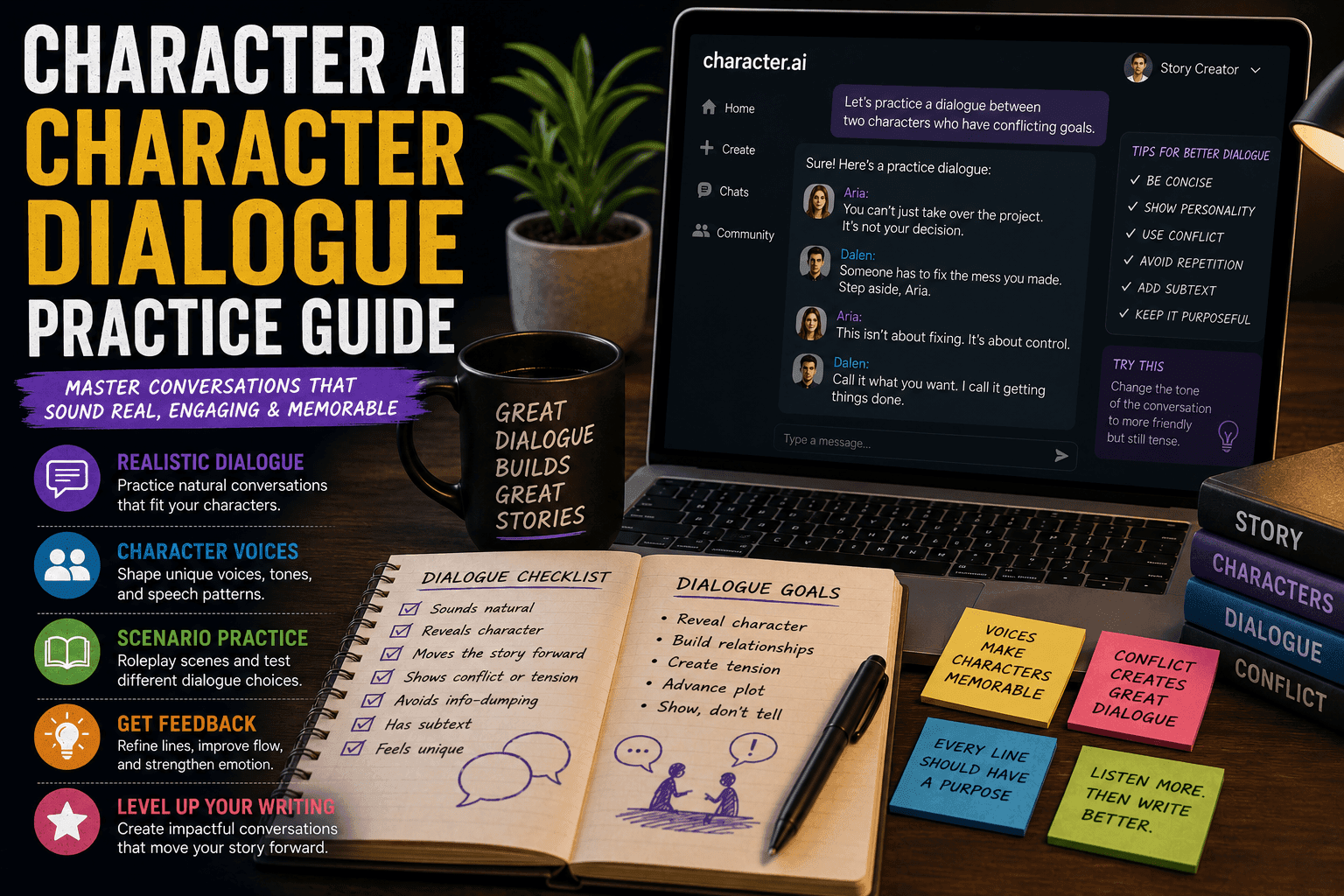
This guide shows you how to use Character AI specifically to practice, improve, and master character dialogue step by step. Not theory. Actual workflow you can repeat.
Character AI: What It Is, How It Works, and Why Millions Use It (Complete Guide)
What Is Dialogue Practice with Character AI?
Character AI dialogue practice means using AI personalities to simulate real conversations so you can:
- Improve realism
- Test character voices
- Explore emotional depth
- Refine conversational flow
Instead of writing both sides manually, you interact with a responsive character and shape the exchange in real time.
Why Character AI Is Perfect for Dialogue Training
1. Real-Time Interaction
You get instant responses instead of guessing how a character would reply.
2. Distinct Character Voices
Different AI personalities create different speech styles.
3. Endless Practice
You can run conversations as many times as you want without rewriting everything.
4. Emotional Experimentation
Test tone shifts, tension, and conflict instantly.
Step-by-Step Dialogue Practice Workflow
Step 1: Define Your Dialogue Goal
Before starting, decide what you want to improve.
Examples:
- Natural conversation flow
- Emotional dialogue
- Conflict scenes
- Character voice consistency
Weak Goal:
“I want better dialogue.”
Strong Goal:
“I want to practice writing tense arguments between two characters.”
Step 2: Create or Choose a Character
Pick a character with a clear personality.
Include:
- Tone (sarcastic, calm, aggressive)
- Background
- Motivation
- Speech style
Example:
Name: Lena Cross
Traits: Defensive, sharp-tongued, intelligent
Goal: Hide a secret
The more defined the character, the better the dialogue.
Step 3: Build a Dialogue Prompt
You need to guide the AI.
Structure:
- Who the character is
- How they speak
- What the situation is
Example Prompt:
“You are Lena Cross, a defensive and sharp-tongued character who avoids revealing personal information. You respond with short, guarded sentences.”
Step 4: Set the Scene
Context changes everything.
Include:
- Location
- Situation
- Stakes
Example:
“You’re being questioned in a quiet interrogation room about a missing person.”
Now the dialogue has purpose.
Step 5: Start the Conversation
Engage naturally.
Example:
You: “Where were you last night?”
AI: “Not somewhere I’m required to report.”
This creates immediate tension.
Step 6: Practice Different Dialogue Styles
Don’t stick to one type.
Try:
- Casual conversation
- Emotional confession
- Argument scenes
- Suspense dialogue
Each builds a different skill.
Step 7: Push Emotional Depth
Most weak dialogue lacks emotion.
Techniques:
- Add stakes
- Reveal secrets
- Increase pressure
Example:
“What happens if I prove you’re lying?”
Now the dialogue evolves.
Step 8: Analyze the Conversation
After each session, review it.
Look For:
- Repetition
- Weak responses
- Flat tone
Improve your side of the dialogue.
Step 9: Rewrite and Refine
Turn raw dialogue into polished writing.
Improve:
- Pacing
- Word choice
- Subtext
AI gives you material. You make it good.
Step 10: Repeat with Variations
Run the same scene differently.
Change:
- Tone
- Outcome
- Character behavior
This builds flexibility and skill.
Advanced Dialogue Practice Techniques
1. Multi-Character Conversations
Simulate group dialogue for complexity.
2. Subtext Training
Write dialogue where meaning is implied, not stated.
3. Conflict Escalation
Gradually increase tension across exchanges.
4. Voice Consistency Checks
Ensure characters speak uniquely across scenes.
Common Mistakes to Avoid
1. Letting AI Control Everything
You guide the conversation, not the other way around.
2. Ignoring Context
Dialogue without setting feels empty.
3. Not Editing Output
Raw AI dialogue is rarely perfect.
4. Same Voice for All Characters
Kills realism instantly.
Example Practice Session
Goal:
Practice interrogation dialogue
Process:
- Create character
- Set interrogation scene
- Start conversation
- Add pressure
- Capture responses
- Edit into scene
Result:
A tense, realistic dialogue exchange with clear character voice.
Best Tools for Dialogue Practice
- Character.AI
- Janitor AI
- Tavern AI
Each platform offers different control levels.
Final Thoughts
Character AI turns dialogue practice from a slow, frustrating process into something interactive and repeatable.
If you use it well, you’ll develop:
- Stronger character voices
- More natural conversations
- Better emotional depth
If you don’t, you’ll just generate mediocre conversations faster.
FAQs
Can Character AI improve dialogue writing?
Yes, through repeated interactive practice.
Is it good for beginners?
Yes, it helps understand conversational flow quickly.
How often should I practice?
Regular short sessions work best.
Can AI replace dialogue writing?
No, editing and refinement are still essential.
What’s the best way to improve fast?
Practice, analyze, and rewrite consistently.
Conclusion
Character AI gives you a practical way to train dialogue skills through real interaction. With the right workflow, you can consistently improve your writing without relying on guesswork.
And if your dialogue still sounds robotic after this, at least now you know it’s a skill issue, not a tool issue.







