

Introduction
Most people think of Character AI as something you use occasionally. You open it, generate a few ideas, maybe write a scene, then disappear again.
That’s a waste.
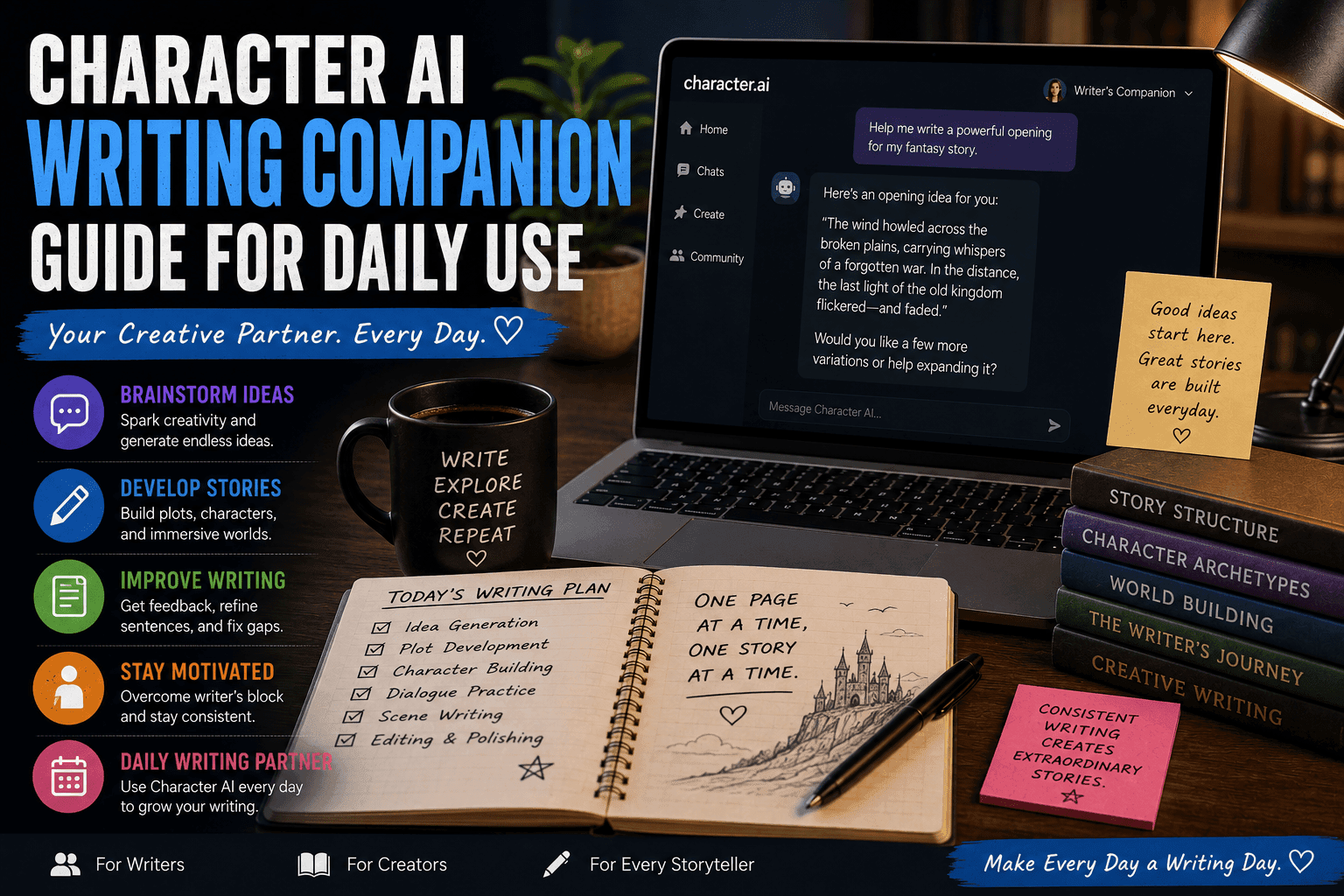
Used properly, Character AI can function as a daily writing companion — something that supports your creativity, keeps you consistent, and quietly pushes your work forward every single day.
This guide shows you how to integrate Character AI into your daily writing routine so you’re not relying on motivation, luck, or bursts of inspiration that show up once a week and vanish immediately.
Character AI: What It Is, How It Works, and Why Millions Use It (Complete Guide)
What Is a Writing Companion Workflow?
A writing companion workflow means using Character AI as an ongoing creative partner rather than a one-time tool.
Instead of:
- Random usage
- One-off prompts
- Inconsistent writing sessions
You build:
- Daily interaction habits
- Structured writing sessions
- Continuous idea development
Basically, you stop treating AI like a toy and start treating it like part of your process.
Why Use Character AI Daily?
1. Builds Writing Consistency
You write more because it’s easier to start.
2. Eliminates Blank Page Syndrome
You always have something to respond to.
3. Improves Skill Over Time
Daily interaction sharpens dialogue, pacing, and creativity.
4. Keeps Ideas Flowing
You don’t lose momentum between sessions.
The Daily Character AI Writing Workflow
Step 1: Set a Daily Writing Goal
Before opening AI, decide your objective.
Examples:
- Write 500 words
- Develop a scene
- Practice dialogue
- Expand a character
Weak Goal:
“I’ll write something.”
Strong Goal:
“I’ll write a tense dialogue scene between two rivals.”
Clarity improves results instantly.
Step 2: Open Your Core Character or Project
Consistency matters.
Instead of creating new characters daily, return to:
- The same story
- The same characters
- The same world
This builds depth over time instead of scattered ideas.
Step 3: Warm-Up with AI Interaction
Start small.
Examples:
- Ask your character a question
- Continue yesterday’s scene
- Explore a new reaction
This removes friction and gets your brain engaged.
Step 4: Run a Focused Writing Session
Now do the real work.
Methods:
- Scene writing through interaction
- Dialogue practice
- Idea expansion
Set a timer (20–45 minutes works well).
Step 5: Guide the Narrative Actively
Don’t let AI drift.
Do This:
- Introduce conflict
- Change tone
- Add stakes
Avoid This:
Letting the AI wander into generic storytelling.
Step 6: Capture Key Outputs
Save everything useful.
Save:
- Dialogue
- Plot points
- Character insights
Use tools like Notion, Google Docs, or Scrivener.
Step 7: Edit Immediately (Light Pass)
Do a quick cleanup.
Focus On:
- Removing repetition
- Fixing tone
- Improving clarity
Don’t aim for perfection yet.
Step 8: Expand Into Structured Writing
Turn AI interaction into proper content.
Convert:
- Chat → Scene
- Dialogue → Narrative
- Ideas → Outline
This is where real writing happens.
Step 9: Log Progress
Track what you did.
Example Log:
- Words written
- Scene completed
- Ideas generated
This builds momentum and accountability.
Step 10: End with a Hook for Tomorrow
Never stop at a dead end.
Do This:
- Leave a scene unfinished
- Create a new question
- Introduce tension
This makes it easier to start the next day.
Sample Daily Routine (Simple Version)
- Open Character AI
- Continue last scene (5 min)
- Write focused scene (20 min)
- Save & edit (10 min)
- Plan next step (5 min)
Total: ~40 minutes
Manageable, repeatable, effective.
Advanced Daily Techniques
1. Multi-Session Writing
Split writing into morning and evening sessions.
2. Roleplay Writing Mode
Interact fully as your character for immersion.
3. Skill Rotation
Focus different days on:
- Dialogue
- Plot
- Character development
4. AI Feedback Loop
Ask AI to critique your writing sections.
Common Mistakes to Avoid
1. Using AI Without Structure
Leads to random, useless output.
2. Switching Projects Too Often
Kills progress.
3. Skipping Editing
Raw AI output isn’t publish-ready.
4. Over-Reliance on AI
You still need to think and refine.
Example Daily Session
Goal:
Write a confrontation scene
Process:
- Continue previous scene
- Introduce conflict
- Push emotional tension
- Capture dialogue
- Edit into scene
Result:
A structured, engaging scene completed in under an hour.
Best Tools for Daily Writing with Character AI
- Character.AI
- Janitor AI
- Tavern AI
Each supports interactive writing workflows.
Final Thoughts
Character AI isn’t just a creative tool. Used daily, it becomes a system.
A system that:
- Keeps you consistent
- Improves your writing
- Helps you finish what you start
And if you’re still not writing consistently after this, the problem is no longer tools. It’s discipline.
FAQs
Can I use Character AI every day?
Yes, daily use improves results significantly.
How long should sessions be?
20–45 minutes is ideal.
Is this good for beginners?
Yes, it builds habits quickly.
Do I need multiple characters?
Not necessary, but helpful for variety.
What’s the biggest benefit?
Consistency and faster creative output.
Conclusion
Character AI can transform your writing routine if you use it consistently. With a structured daily workflow, you can produce more content, improve faster, and actually enjoy the process.
And honestly, having something that helps you show up every day is already half the battle won.







