Claude AI Review (2026): A Thoughtful, High-Context AI Assistant Built for Depth
Claude AI stands out for long-context understanding and structured reasoning. This review breaks down its features, pricing, strengths, and limitations.
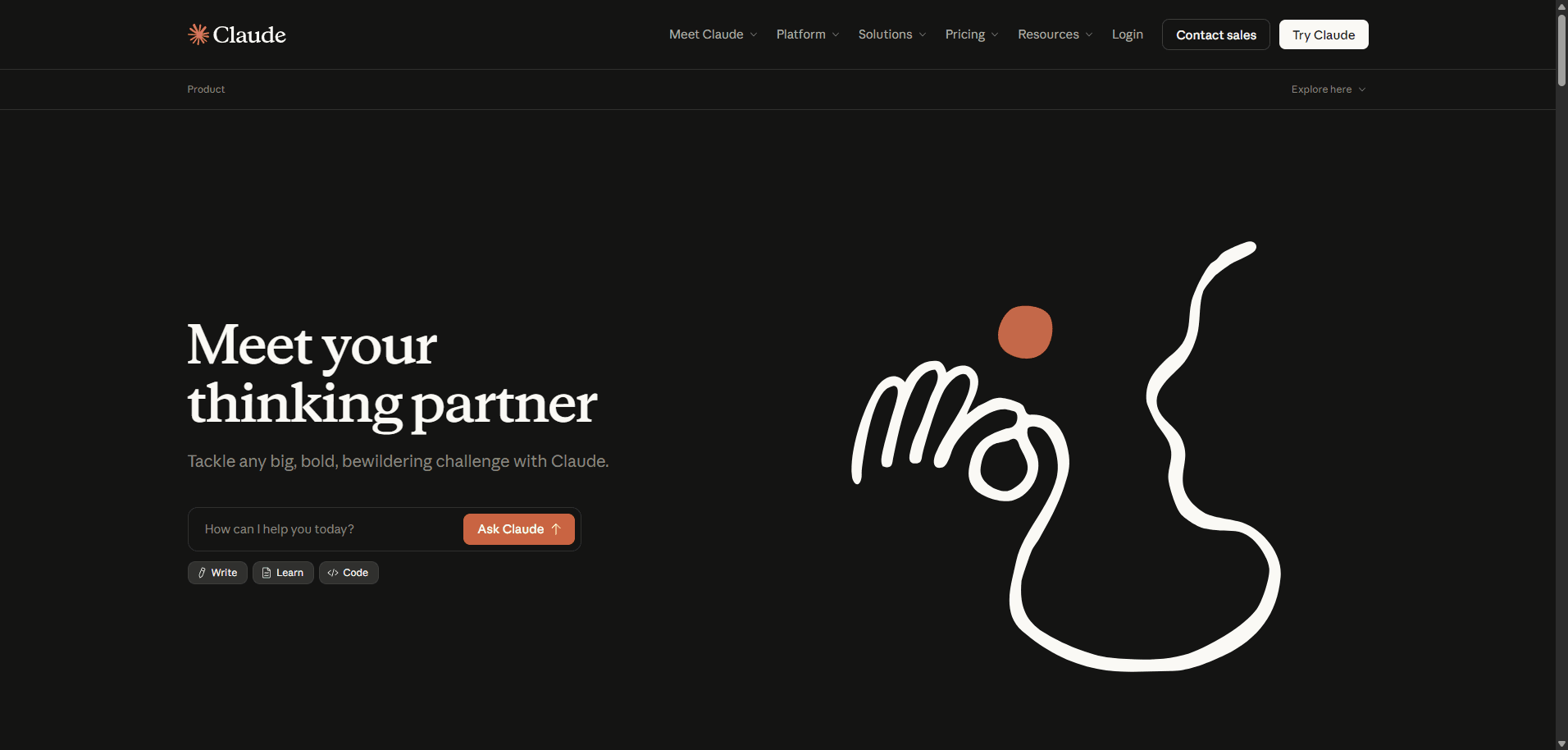
Claude AI feels less like a chatbot and more like a careful collaborator. Built by Anthropic, it prioritizes structured thinking, long-context understanding, and safer outputs over speed or flashiness.
It’s particularly strong in long-form writing, document analysis, and nuanced reasoning tasks—areas where many AI tools still struggle with consistency.
Best suited for researchers, writers, developers, and teams working with complex inputs. However, it’s not always the fastest model, and its cautious tone can sometimes feel restrictive depending on your use case.
Verdict: If you value depth, accuracy, and context over raw speed, Claude AI is one of the most reliable AI assistants available today.
Claude AI Overview
Claude AI is a conversational AI platform designed to handle large inputs, complex reasoning, and multi-step workflows. Unlike many competitors that focus on quick outputs, Claude leans into thoughtful responses and structured communication.
Its standout feature is its long context window, allowing users to process entire documents, codebases, or research materials in a single interaction.
Core Features & Capabilities
1. Long Context Processing
Claude can handle extremely large inputs (hundreds of thousands of tokens in newer versions), making it ideal for:
Legal documents
Research papers
Large datasets
Full code repositories
This dramatically reduces the need for chunking or summarization workflows.
2. Strong Reasoning & Structured Output
Claude excels at:
Breaking down complex topics
Providing step-by-step reasoning
Maintaining logical consistency across long responses
It’s noticeably more “deliberate” compared to faster but less consistent tools.
3. Natural Writing & Tone Control
Claude produces:
Clean, readable prose
Minimal fluff
Strong alignment with instructions
It’s especially effective for:
Editorial content
Documentation
Thought leadership writing
4. Safety-Focused Design
Anthropic emphasizes “constitutional AI,” which means:
More cautious outputs
Reduced hallucination risk (not eliminated)
Stronger guardrails
This is beneficial for enterprise use, but occasionally limits creative flexibility.
5. File Upload & Analysis
Claude supports:
PDF analysis
CSV data interpretation
Multi-document reasoning
This makes it useful for workflows beyond simple chat.
Real-World Use Cases
Claude performs best in scenarios that require depth:
Long-form SEO content writing
Research synthesis
Code explanation and refactoring
Business documentation
Academic support
Strategy planning
It’s less optimized for:
Rapid-fire brainstorming
Real-time web browsing tasks
Highly visual or design-heavy outputs
Rating Snapshot (AI Writing / Research Assistant)
Category
Rating
Content Quality
⭐⭐⭐⭐⭐ (4.7/5)
Reasoning Accuracy
⭐⭐⭐⭐⭐ (4.8/5)
Ease of Use
⭐⭐⭐⭐☆ (4.4/5)
Workflow Efficiency
⭐⭐⭐⭐☆ (4.3/5)
Value for Money
⭐⭐⭐⭐☆ (4.2/5)
Overall Score: ⭐⭐⭐⭐☆ (4.5/5)
Claude stands out for reliability and depth, though it trades some speed and flexibility to get there.
Pricing Snapshot
Plan
Ideal For
What You Get
Free Plan
Casual users
Limited usage, access to base models
Pro Plan
Power users & creators
Higher limits, access to advanced models (e.g., Claude 3 family)
Team / API
Businesses & developers
API access, scalable usage, integrations
Pricing Insight: Claude’s pricing is competitive for high-context tasks, but heavy usage (especially via API) can scale quickly depending on token consumption.
Disclaimer: Pricing may change over time. Always check the official Anthropic website for the latest updates.
Pros & Cons
Pros
Exceptional long-context understanding
High-quality, structured writing output
Strong reasoning and logical consistency
Safer, more predictable responses
Excellent for document-heavy workflows
Cons
Can feel slower compared to competitors
Occasionally overly cautious or restrictive
Fewer native integrations than some ecosystems
Not the best for highly creative or edgy content
Claude AI vs Other AI Tools
Compared to tools like ChatGPT or Gemini:
Claude AI → Best for depth, reasoning, and long inputs
ChatGPT → More versatile ecosystem and integrations
Gemini → Strong Google ecosystem integration
Claude’s positioning is clear: it prioritizes quality over speed.
Final Verdict
Claude AI isn’t trying to be the fastest or flashiest AI—it’s trying to be the most reliable when things get complex.
If your workflows involve:
Large documents
Multi-step reasoning
Structured writing
…it’s one of the strongest tools available right now.
However, if you prioritize speed, integrations, or creative experimentation, you may find it slightly limiting.
FAQs
1. What is Claude AI best used for?
Claude AI is best for long-form writing, research, document analysis, and tasks requiring deep reasoning or structured outputs.
2. Is Claude AI better than ChatGPT?
It depends on the use case. Claude is stronger in long-context reasoning and structured writing, while ChatGPT offers broader integrations and faster responses.
3. Does Claude AI support file uploads?
Yes, Claude supports file uploads like PDFs and CSVs, allowing users to analyze and interact with large documents directly.
4. Is Claude AI free to use?
Claude offers a free tier with limited usage, along with paid plans that unlock more advanced models and higher usage limits.
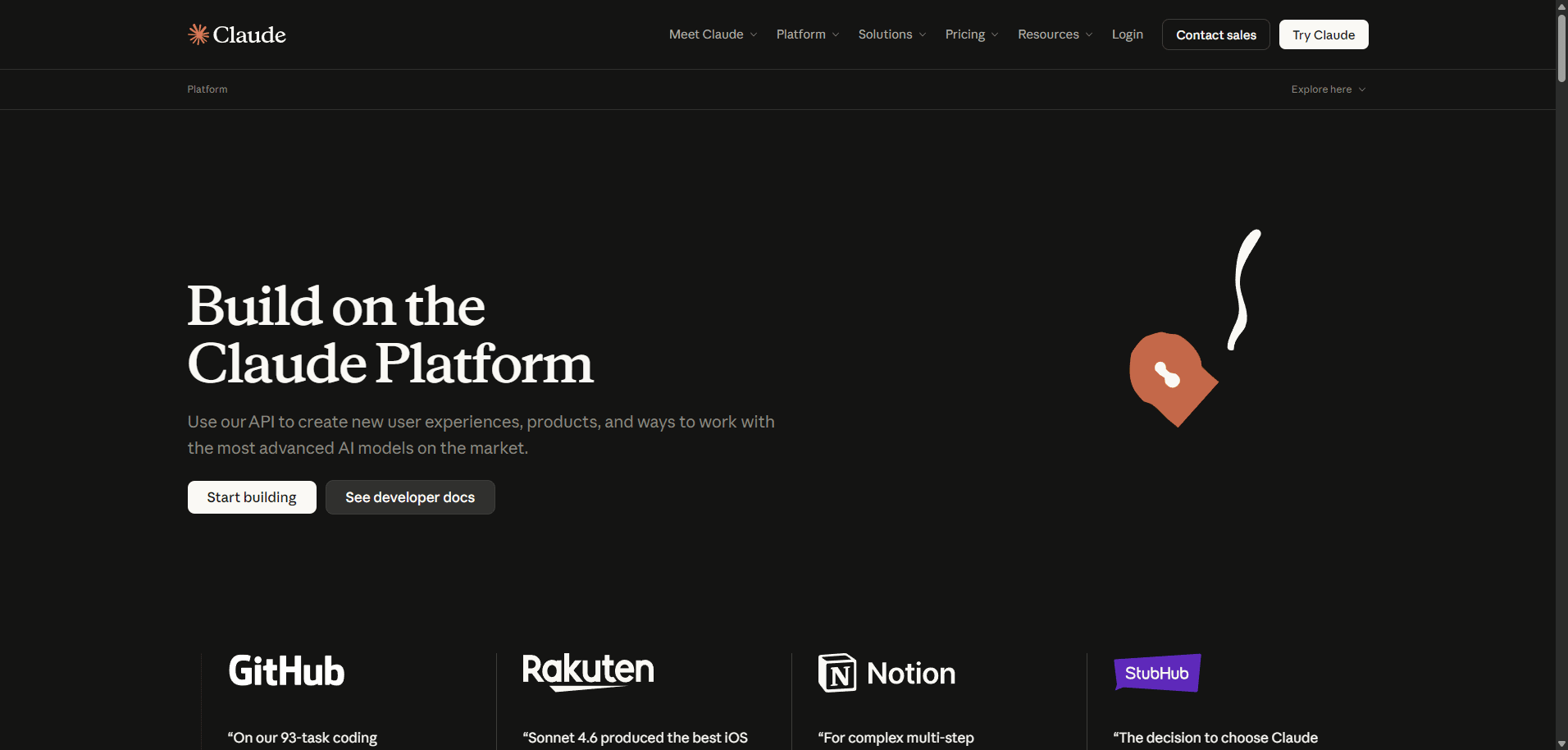
5. Can developers use Claude via API?
Yes, Anthropic provides API access for developers to integrate Claude into applications, products, and workflows.