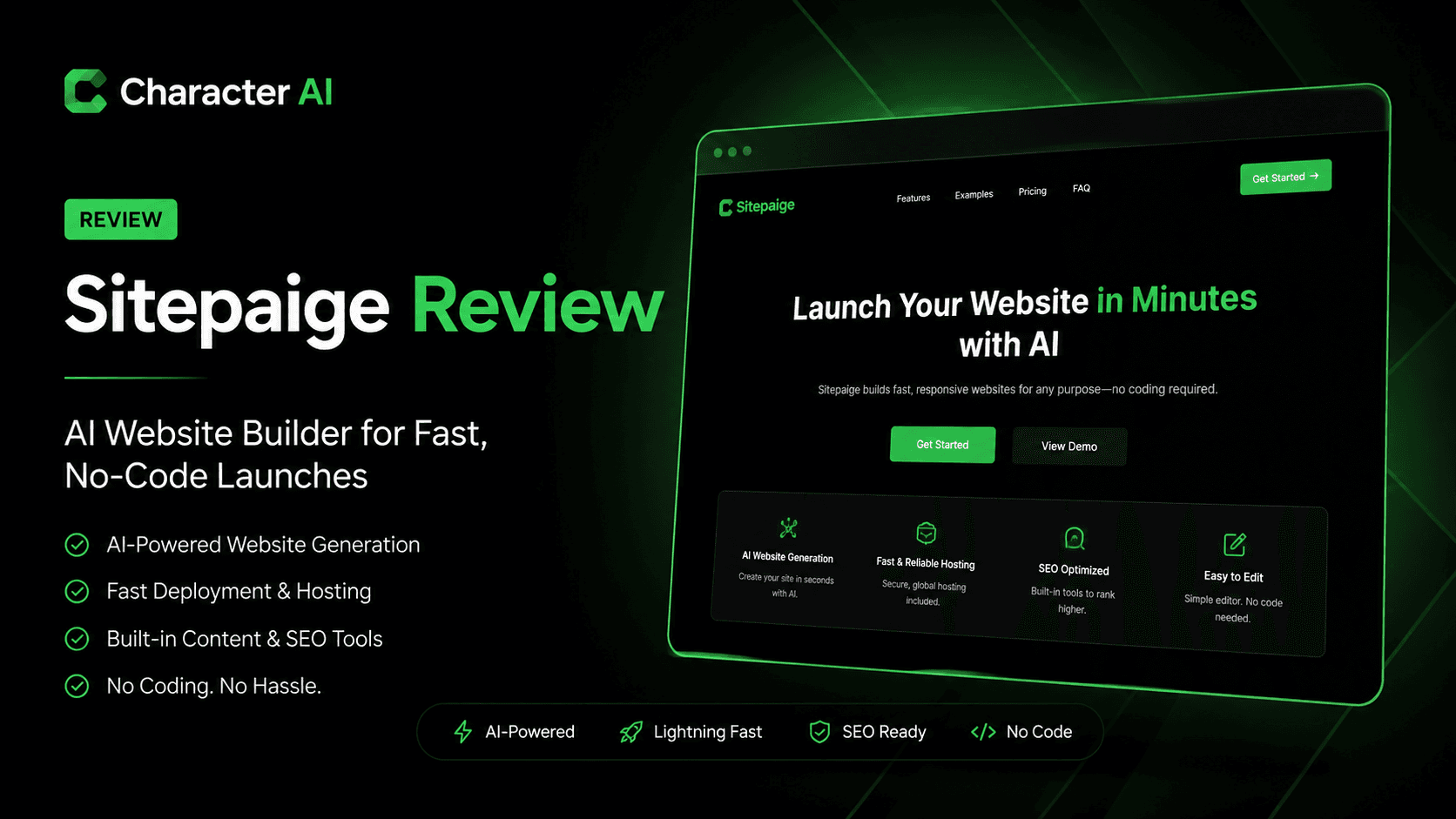
Sitepaige positions itself as a fast, AI-powered way to launch simple websites without touching code—or even traditional builders.
It focuses on speed and simplicity over deep customization, making it appealing for users who want a functional site live in minutes rather than hours.
Best for:
Solo founders
Side projects
Landing pages
Quick MVP sites
Key takeaway: Sitepaige is efficient for rapid deployment, but it’s not built for complex websites or advanced design control.
Verdict: A solid lightweight AI website builder—but only if your expectations match its simplicity.
Sitepaige Overview
Sitepaige is an AI-driven website builder that generates complete web pages based on prompts. Instead of dragging elements or choosing templates manually, you describe what you want, and the tool builds it for you.
It fits into a growing category of AI-first builders that prioritize:
Automation
Minimal setup
Instant publishing
However, compared to traditional builders like Webflow or Wix, Sitepaige keeps things intentionally minimal.
Core Features & Capabilities
1. Prompt-Based Website Generation
You describe your site (e.g., “portfolio for a freelance designer”), and Sitepaige generates:
Layout
Copy
Basic structure
This removes the need for templates or manual setup.
2. Fast Deployment & Hosting
Sitepaige emphasizes speed:
Generate → Edit → Publish
Minimal configuration
Hosting typically included
You can go from idea to live site in minutes, which is its biggest advantage.
3. Built-In Content Generation
The platform automatically creates:
Headlines
Section copy
Basic calls-to-action
This is useful for non-writers, but content often needs refinement for SEO or branding.
4. Simple Editing Interface
Editing is intentionally limited:
Text edits
Basic layout tweaks
Minimal styling controls
This keeps things easy—but restrictive.
5. Lightweight Use Case Focus
Sitepaige is best suited for:
Landing pages
Personal sites
Startup MVPs
Quick product pages
It is not designed for:
Complex websites
E-commerce platforms
Advanced UX design
Real-World Use Cases
Where Sitepaige works well:
Launching a quick SaaS landing page
Building a personal portfolio
Testing startup ideas
Creating simple marketing pages
Where it struggles:
Scaling content-heavy sites
SEO-optimized blog systems
Custom branding-heavy projects
Rating Snapshot (AI Website Builder)
Category
Rating
Ease of Use
⭐⭐⭐⭐⭐ (4.8/5)
Design Flexibility
⭐⭐⭐☆☆ (3.6/5)
AI Generation Quality
⭐⭐⭐⭐☆ (4.2/5)
Customization
⭐⭐⭐☆☆ (3.5/5)
Value for Money
⭐⭐⭐⭐☆ (4.1/5)
Overall Score: ⭐⭐⭐⭐☆ (4.0/5)
Sitepaige scores high on simplicity but loses points on flexibility and depth.
Pricing Snapshot
Plan
Ideal For
What You Get
Free Plan
Testing & exploration
Basic site generation with limits
Paid Plans
Creators & small projects
More pages, custom domains, advanced options
Pricing Insight: Sitepaige is positioned as an affordable entry-level builder, but may not justify cost for users needing advanced features.
Disclaimer: Pricing may change over time. Check the official Sitepaige website for current details.
Pros & Cons
Pros
Extremely easy to use
Fast website generation
No technical skills required
Good for quick launches and MVPs
Cons
Limited design flexibility
Basic customization options
Not ideal for SEO-heavy sites
Not suitable for complex projects
Sitepaige vs Alternatives
Compared to tools like:
Wix → More control, less automation
Webflow → Professional design, steeper learning curve
Framer AI → More design flexibility with AI
Positioning:
Sitepaige = speed + simplicity
Others = flexibility + control
Final Verdict
Sitepaige is not trying to compete with full-featured website builders—and that’s exactly the point.
It’s built for:
Speed
Simplicity
Instant results
If you need a quick site live today, it does the job well.
But if you’re building:
A scalable brand
A content-driven site
A highly customized experience
…it will feel limiting quickly.
FAQs
1. What is Sitepaige used for?
Sitepaige is used to quickly generate simple websites or landing pages using AI prompts.
2. Is Sitepaige good for beginners?
Yes, it’s designed for beginners with no coding or design experience.
3. Can I build a full website with Sitepaige?
You can build simple websites, but it’s not ideal for large or complex projects.
4. Does Sitepaige support SEO optimization?
Basic SEO is possible, but it lacks advanced SEO tools found in larger platforms.
5. Is Sitepaige better than Wix or Webflow?
It depends—Sitepaige is faster and simpler, while Wix and Webflow offer more control and customization.